How to Record Video Messages for Future Generations: Setup, Prompts, and Storage
A practical guide to recording meaningful video messages for future generations, covering simple setup, thoughtful prompts, and how to store them safely.
Why Video Messages Matter for Family History
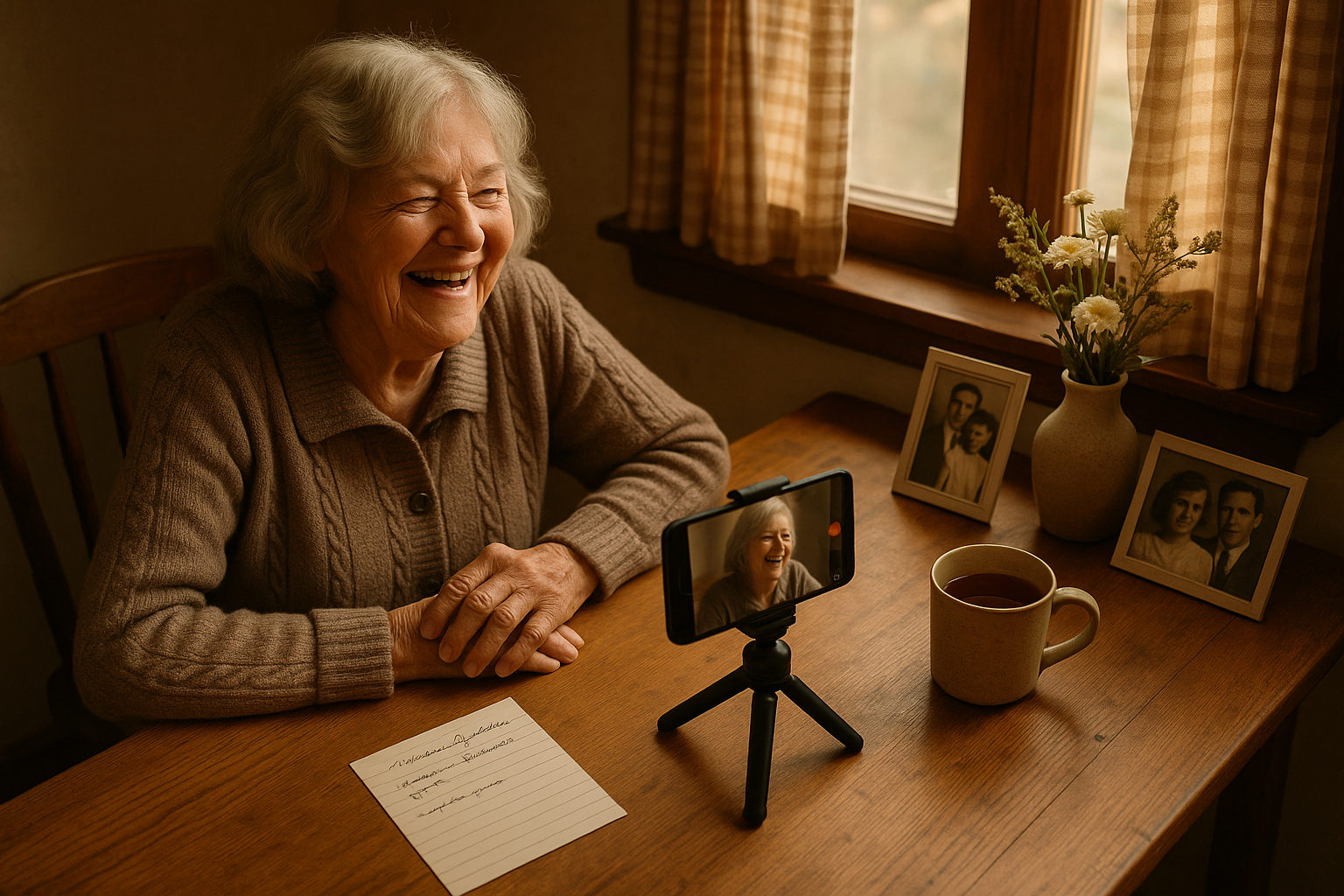
A handwritten letter can preserve words, and a photograph can preserve a face, but a video message preserves something both of those formats miss: the pause before an answer, the laugh that breaks up a sentence, the particular way someone says a grandchild's name. For families building a record of who they are and where they came from, video has become one of the most accessible ways to close that gap between generations.
You don't need a film crew or expensive gear to start. In fact, the biggest barrier isn't equipment — it's simply deciding to press record before the moment passes. This guide walks through a simple setup, thoughtful prompts to get people talking, and where to safely store the recordings once you have them, and for families who want a dedicated home for these recordings alongside other family history media, Voice After Life.com offers a place built specifically for that purpose.
Setting Up: You Probably Already Have What You Need
Oral historians and archivists have long emphasized that expensive equipment isn't required to capture a meaningful interview. Expensive equipment is not required for oral history interviews — an inexpensive video or tape recorder and microphone are usually all you need. Today, that inexpensive tool is almost always already in your pocket. You almost certainly already own the most important piece of equipment: your phone, and modern smartphones record surprisingly good audio and video.
A few adjustments make a noticeable difference in quality:
Stabilize the camera. Use a smartphone or webcam for a video interview, and stabilize the camera with a tripod for comfort and clarity. Even propping a phone against a stack of books works in a pinch.
Mind the lighting. Pick a room that's brightly lit, or use lots of lights to ensure the best quality picture, but don't have the subject sit in front of a window, which will cause everything in front of it to photograph too dark.
Choose a quiet, comfortable space. Minimize background noise like TVs, fans, or barking dogs, and remember that rooms with carpet, curtains, and cushions reduce echo — comfort is key, so pick a cozy spot where your storyteller feels relaxed, like their favorite chair or kitchen table.
Test everything first. To avoid awkwardness, make sure you're comfortable using the camera or phone before the interview.
Keep power in mind. Bring extra batteries or a power cord, and make a checklist that includes those items along with your list of questions.
Before you begin, it's worth having a brief conversation about consent and comfort. Making sure the person actually wants their story recorded is an important question to ask ahead of time , since even willing family members can feel put on the spot if a camera simply appears.
Prompts That Open People Up
A camera pointed at someone with no direction rarely produces a good conversation. You can't just put down a recorder in front of someone and say, "Talk." Instead, come with a short list of open-ended questions and let the conversation breathe.
The nonprofit oral history organization StoryCorps, which has recorded tens of thousands of interviews, suggests starting broad and personal. Some of their most effective prompts for family conversations include:
- How would you like to be remembered? What has been the happiest moment of your life so far?
- For future generations of your family listening to this years from now: is there any wisdom you'd want to pass on to them? What would you want them to know?
- Tell me about how you got into your line of work.
- Do you know the story of how our family first came to this country? Can you tell me about your childhood?
- What are the classic family stories? Jokes? Songs?
During the conversation, resist the urge to jump in too quickly. Don't interrupt your narrator and break their flow — it is all right to steer them back on track if they go off on a tangent, but listen and see where that tangent is going first, since you could end up with a gem of a story. It also helps to remember whose voice matters here. You are recording their story, so try phrases like "I have heard that…" and let your narrator share without value judgments.
Don't limit yourself to the oldest generation, either. While the priority is often the oldest generation, consider interviewing parents, siblings, or even children, since their perspectives on family life will be valuable to future generations too.
Labeling and Organizing What You Record
Once you've captured a recording, take a few minutes to label it clearly while the details are fresh. Note who is speaking, their relationship to the family, the date, and the location — small pieces of context that become invaluable decades later when a great-grandchild is trying to piece together who's on screen. Archivists at FamilySearch recommend a similar habit for physical recordings: label your tape, and take a pen and paper for note taking and for labeling your audio or video tape .
If you have the time, a written transcript adds another layer of accessibility. Transcribing the audio makes it searchable and accessible for those with hearing challenges.
Where to Store Video Messages So They Last
This is the step families most often overlook — and the one that determines whether a recording survives to reach the generation it was made for. Digital files are fragile in ways physical objects aren't: a hard drive can fail silently, a phone can be lost, and a cloud account can become inaccessible if it's tied to a single person's login and password.
Data protection professionals have long relied on a simple framework for this exact problem. The 3-2-1 backup rule is a data protection guideline that states you should keep three total copies of your data, stored across two different media or storage types, with one copy located off-site. The logic is straightforward: it eliminates single points of failure — if one storage device fails, you have two other copies, and if a local disaster destroys both on-premises copies, you have the off-site copy.
For a family video message, that might look like: the original file on the phone or computer that recorded it, a copy on an external hard drive kept at home, and a third copy stored somewhere off-site or in the cloud. This is also where a platform built specifically to hold family recordings for the long term can simplify things considerably — rather than family members privately sharing files that quietly go missing over the years, a service like Voice After Life gives a video message a stable, findable home that doesn't depend on any one person's personal device or account surviving intact.
File format is worth a passing thought too. Institutions responsible for preserving media at scale, including the Library of Congress, maintain detailed guidance on which digital formats hold up best over time, precisely because the fluidity of digital formats has been a concern for digital library specialists for some time, as formats can change rapidly as designers alter features . For most families, this simply means avoiding obscure or proprietary file types and sticking with widely supported formats like MP4, which are less likely to become unreadable as software changes.
Making It a Habit, Not a One-Time Project
The families who end up with the richest video archives rarely record just once. A short message on a birthday, a few minutes of storytelling at a holiday gathering, an answer to one good question after Sunday dinner — these small, low-pressure moments add up. Treat it less like a formal documentary project and more like an ongoing practice of noticing when someone has a story worth keeping, then reaching for the phone that's already in your hand.
The goal isn't a polished film. It's a voice, a face, and a few honest minutes that someone not yet born will one day be grateful to have.
- Voice After Life.com
Sources
- 7 Quick Tips for Recording Video Interviews — Family Tree Magazine
- Family Reunion Month: Seven Simple Tips to Begin Recording Your Family's Oral History — Baylor University
- Creating Oral Histories — FamilySearch
- How to Conduct an Oral History Interview — National Trust for Historic Preservation
- How to Record an Oral History Interview Before It's Too Late — The Family Heart
- A Guide to Recording and Preserving Oral Histories — The Family Archivists
- Digital Formats Sustainability — Library of Congress
- What Is the 3-2-1 Backup Rule? A Complete 2026 Guide — AvePoint
- Great Conversations Start with Great Questions — StoryCorps
- Great Questions List – StoryCorps Archive — StoryCorps
- Great Questions to ask Grandparents — StoryCorps
- Great Questions List (PDF) — StoryCorps