Organizing a Lifetime of Family Photos for the Next Generation
A practical, step-by-step guide to sorting, protecting, digitizing, and backing up decades of family photographs before the details behind them are lost.
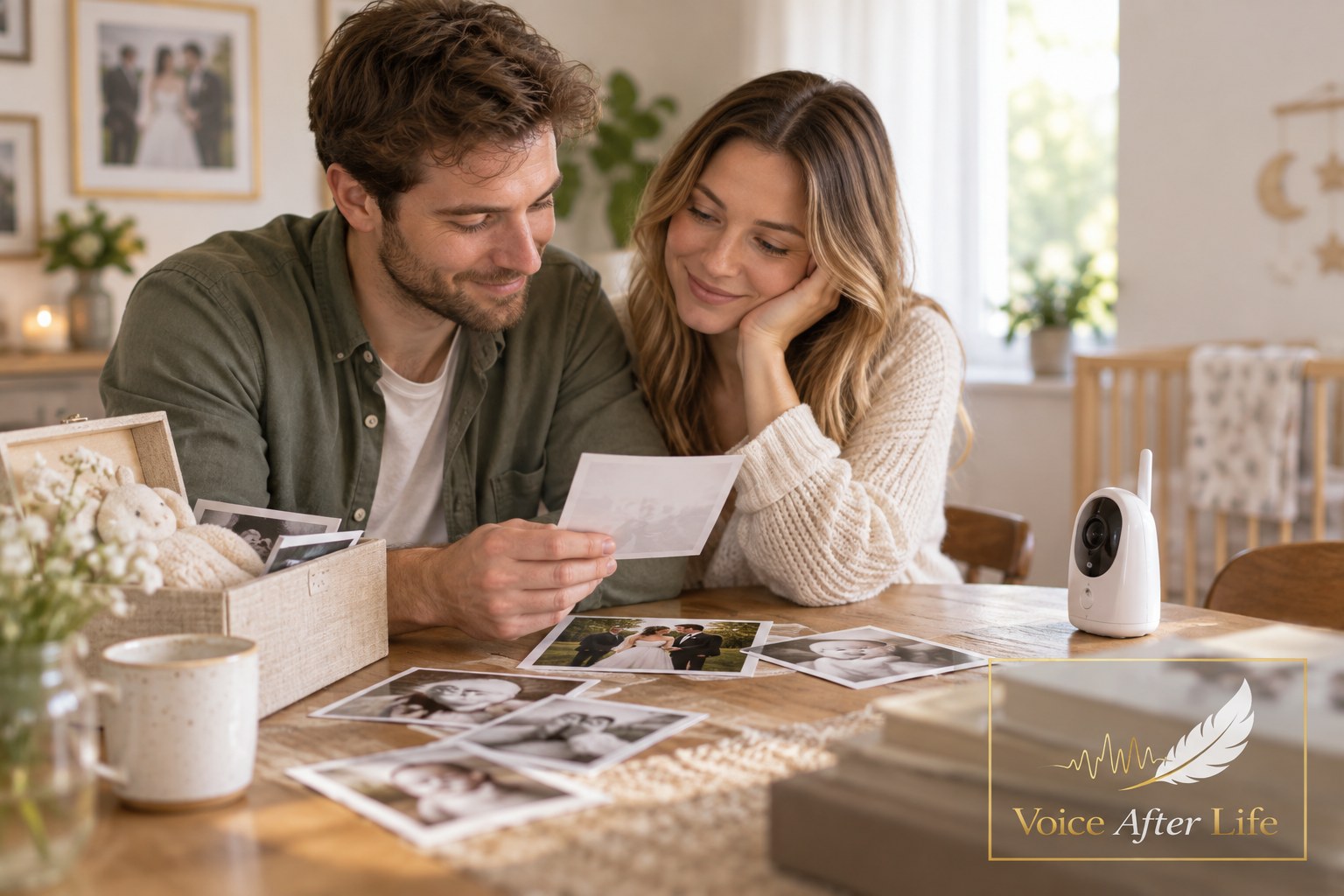
A Shoebox, a Newborn, and a Question Worth Asking
Somewhere in most homes there is a box like this: creased envelopes of prints from a wedding in Karachi or Chennai, a stack of Polaroids from a first apartment, a manila folder of school portraits nobody has opened in years. For Aakash, a new father in his early thirties, that box arrived at his doorstep the same month his daughter was born — mailed by his mother, who said simply, "You should have these now." Holding his daughter in one arm and a photo of his own father as a young man in the other, he realized he didn't actually know who half the people in the box were.
That moment — new life arriving just as old memories resurface — is when many people first feel the pull to get their family's photographs in order. It's also exactly the kind of material that can be preserved and passed down for future generations at Voice After Life.com, alongside the voices and stories that explain who these people were. Organizing a lifetime of photographs isn't a weekend project, but it doesn't need to be overwhelming either. It just needs a plan.
Start With an Inventory, Not a Deadline
Before any sorting or scanning begins, it helps to simply know what you have. Archivists recommend creating an inventory of your collection and regularly updating it as you add more items. This doesn't need to be elaborate — a spreadsheet or even a notebook listing which boxes, albums, or envelopes exist and roughly what's in each one is enough to get oriented.
It's also worth giving yourself permission to go slowly. One archivist cautioned against expecting to have everything digitized, cataloged, and housed like a professional archive within a week, noting that this kind of work takes years and is best approached with small, manageable goals. For a new parent already short on sleep, that's welcome news: a single evening spent sorting one box counts as real progress.
Handling and Storing the Originals
Old prints are more fragile than they look, and how they're handled in the short term affects how well they survive. The Library of Congress, which cares for millions of historical photographs, recommends a few simple habits that apply just as well at the kitchen table as in a museum vault. Photographs should be handled with clean hands or clean gloves, avoiding the image area itself, and lifted by the edges or their housing materials whenever possible.
For long-term storage, all photographs, whether matted or enclosed in paper or plastic, should be kept in photo-safe boxes. Where you keep those boxes matters too — treasures should be housed in an environment that feels comfortable to you, avoiding extremes of temperature and humidity, rather than left in a musty basement or hot attic. A closet shelf will almost always outperform a garage.
Digitizing: Getting the Resolution Right
Scanning turns fragile originals into files that can be shared, backed up, and enlarged without further wear on the print. The resolution you choose depends on what you plan to do with the image. A standard of 72 dpi is fine for posting an image online, but if you want to print it at its original size, it should be scanned at least at 300 dpi. For smaller or more delicate prints, general guidelines suggest 300–600 DPI for standard 4x6, 5x7, or 8x10 photos, and 600–1200 DPI for wallet-sized photos or smaller.
It's tempting to scan everything at the highest setting available, but bigger isn't always better — larger files take up more storage space without necessarily adding usable detail. A flatbed scanner set to one of these standard ranges, working through one labeled batch at a time, is usually enough for a family archive.
Backing Up So the Work Isn't Lost Twice
Digitizing a photo protects the image from fading, but a single digital copy is still just as vulnerable as the print it replaced — a failed hard drive can erase a decade of scanning in seconds. The Library of Congress points to a standard used by professional photographers for exactly this reason: the "3-2-1" rule, which calls for three copies of a file, with two stored on different types of media and one kept in a different physical location. Cloud storage paired with an external drive kept at a relative's house satisfies this rule without much added effort.
It's also worth remembering that storage media itself ages. To keep files accessible, collections should be moved to a new storage medium roughly every five to seven years, much the way earlier generations moved recordings from cassette to CD to digital file.
Labeling the Faces — and the Stories Behind Them
A digitized, backed-up photo is only half preserved if no one remembers who's in it. This is often the piece families regret skipping: the grandmother who could have named every face in a 1970s reunion photo, the uncle who knew exactly why that trunk made the journey overseas. Institutions that specialize in recorded memory treat this kind of testimony as irreplaceable. Unlike other forms of record-keeping, oral histories provide a first-hand, personal account of events from the people who actually lived them.
Practically, this can be as simple as sitting with an older relative, photo album open, and recording the conversation on a phone — capturing not just names and dates, but tone of voice, laughter, the small asides that never make it into a caption. For families who want that layer of memory to have the same permanence as the photographs themselves, voiceafterlife.com offers a place to keep those recorded voices and stories alongside the images they explain, so a future grandchild can hear the story, not just read a name written in pencil on the back of a print.
Passing It Forward
For Aakash, sorting that shoebox became less about archiving the past and more about building something his daughter would eventually inherit — not just images, but the context that makes them meaningful. An inventory, careful handling, a sensible scanning resolution, a real backup plan, and a few recorded conversations are enough to turn a box of loose photographs into a family archive that can genuinely last. The next generation won't need to guess who these people were; they'll be able to see the faces and hear the stories in the same afternoon.
- Voice After Life.com
Sources
- Care, Handling and Storage of Photographs — Library of Congress
- Preservation tips: photographs, documents and digital files — Minitex / University of Minnesota
- How to Preserve Your Family History Like an Archivist — KQED
- Best Resolutions for Scanned Photos and Documents — Family Tree Magazine
- What is the Best Resolution to Scan Old Pictures? — Kodak Digitizing
- What People Are Asking About Personal Digital Archiving: Part 2 — Library of Congress (The Signal)
- Capturing Your Family's Oral History — National Museum of African American History and Culture